Release of first demo version — Foundations
I’m very happy to finally release a version of this app that feels like a piece of software you can actually use — not just a buggy prototype.
It has taken me a long time to get to this stage. The reasons are varied, but not having the time or the energy to work on this project alongside my other work was definitely a huge contributor. Then there was the overall structure and plan for the app. The core idea stayed the same, but the architecture behind everything changed so much over the course of the last few months. Building an app like this comes with a lot of concerns about copyright. The database structure also got quite complex, and after many iterations, it is completely different from what it was initially. But enough about that — let’s get to what the app can currently do and what my plans for the future are.
Why “Foundations”?
This first release is called Foundations, because the architecture — the foundation — is now in place and can be built upon.
What is Sokudeku?
“Soku” means “immediate” in Japanese. “Deku” means deck. That gives us “Immediate Deck” — the idea being that you learn with ready-to-go decks. You will also be able to create decks yourself, but more on that later.
So what do you learn? Vocabulary. The decks are collections of cards (currently only word cards). The principle is well known and you probably know it from similar software like Anki.
Studying
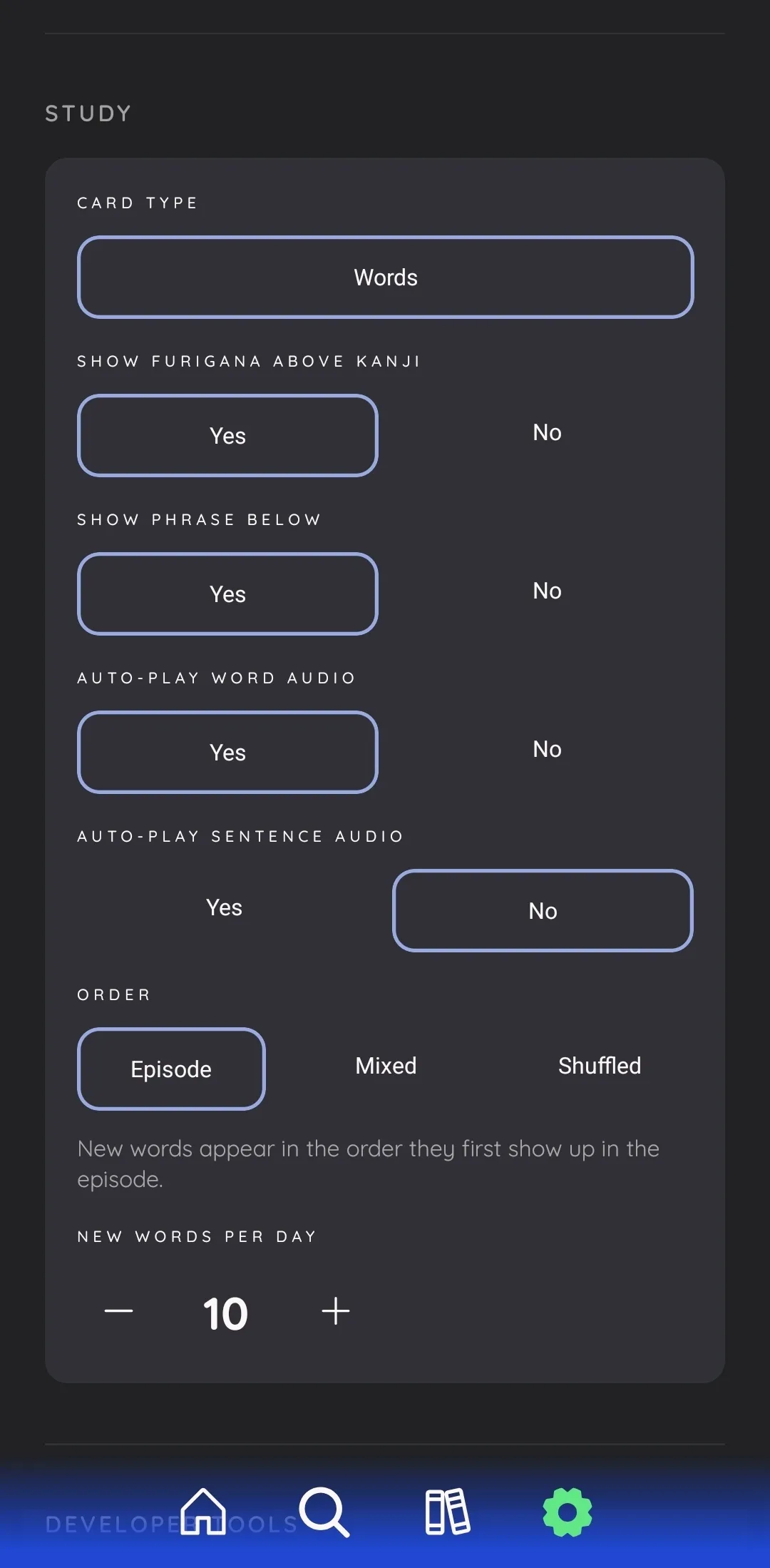
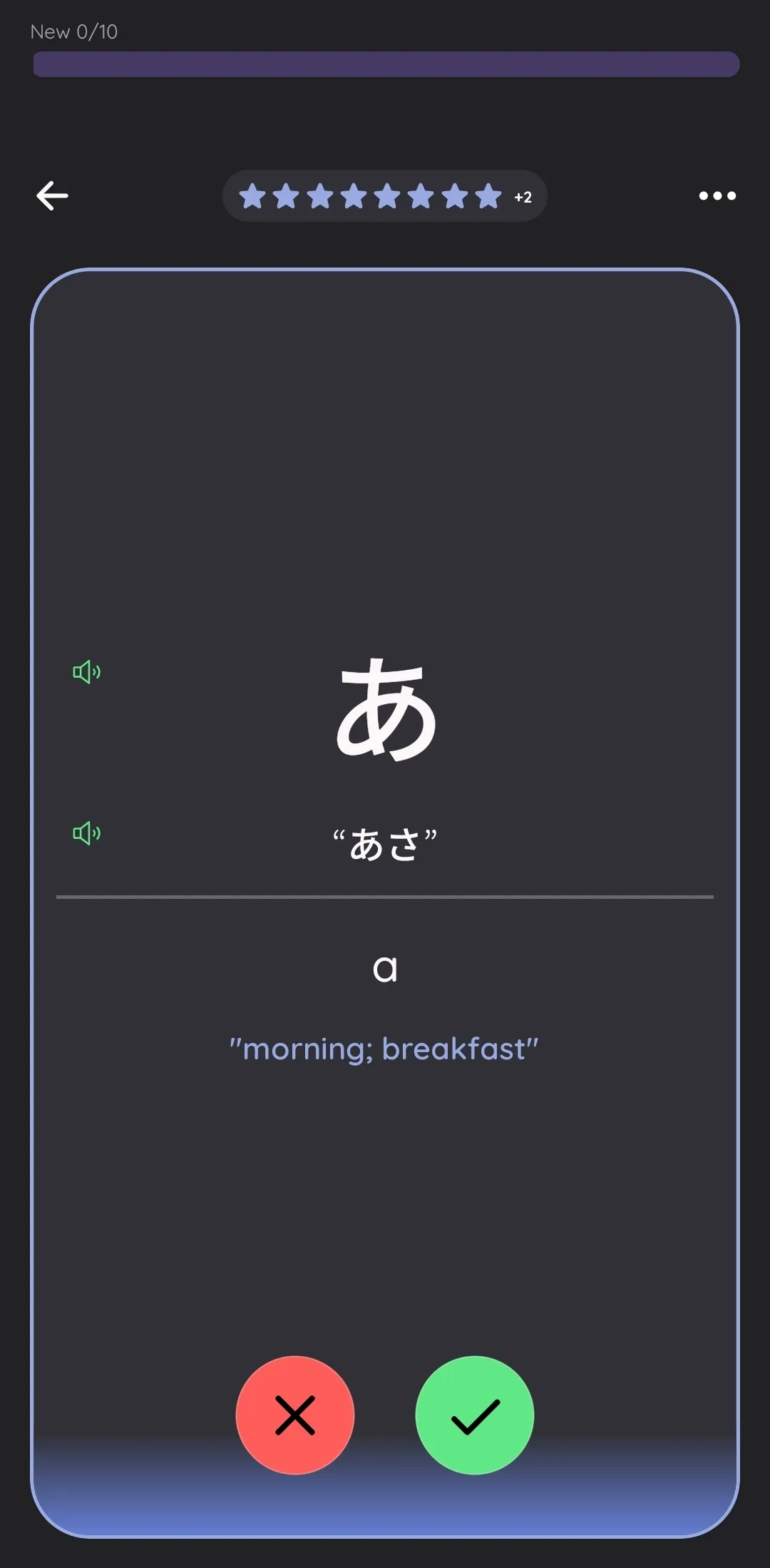
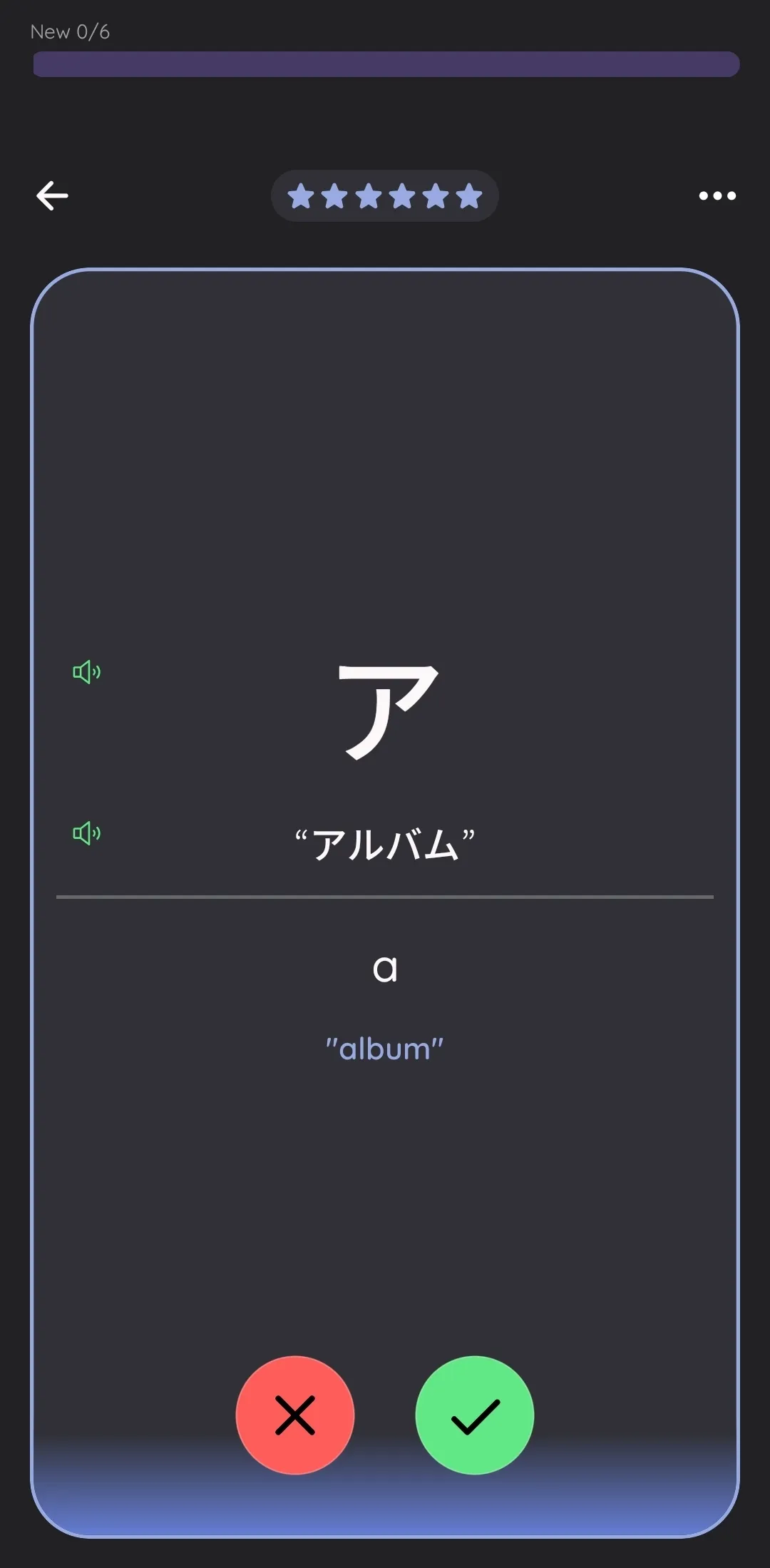
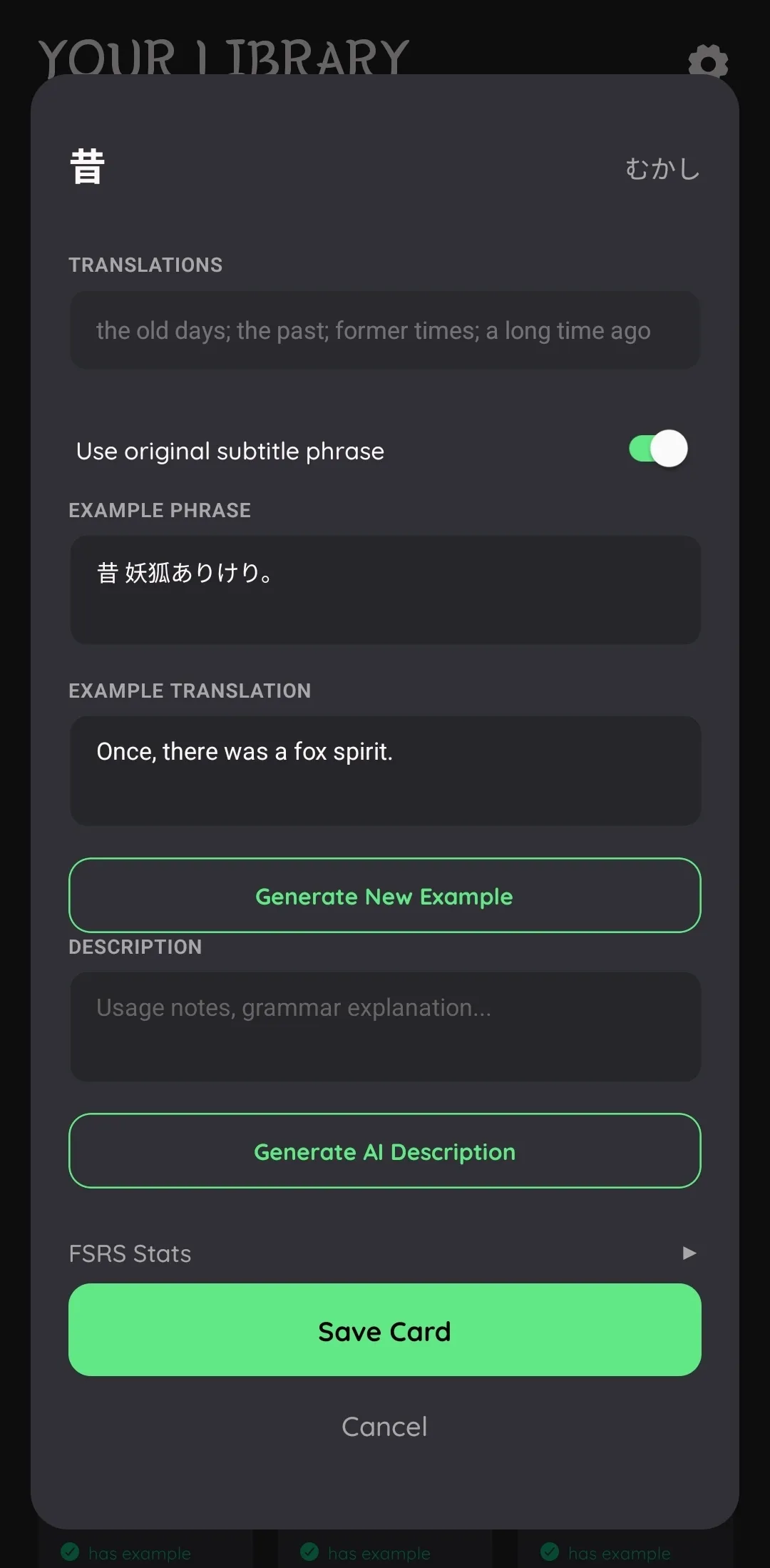
When studying, you will see a word, optionally with a context/example sentence below it. Then you can turn the card to reveal whether you knew the word or not.
You can rate each card — I’ve decided to keep this simple: either you knew the word or you didn’t. A binary yes or no. I think it is more fun that way and lifts a bit of the cognitive load. The underlying FSRS algorithm takes care of the scheduling — it decides when it’s time for a review.
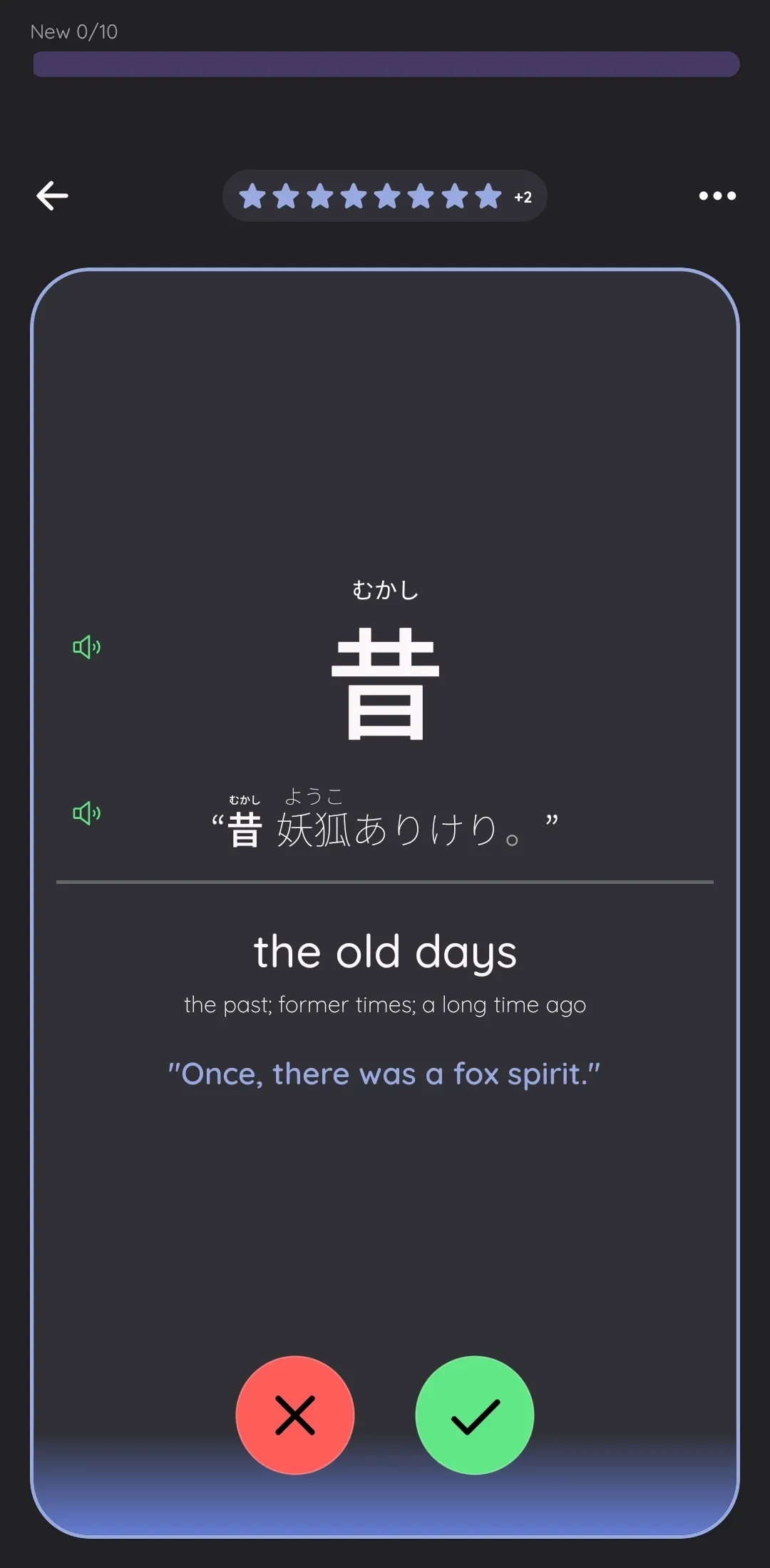
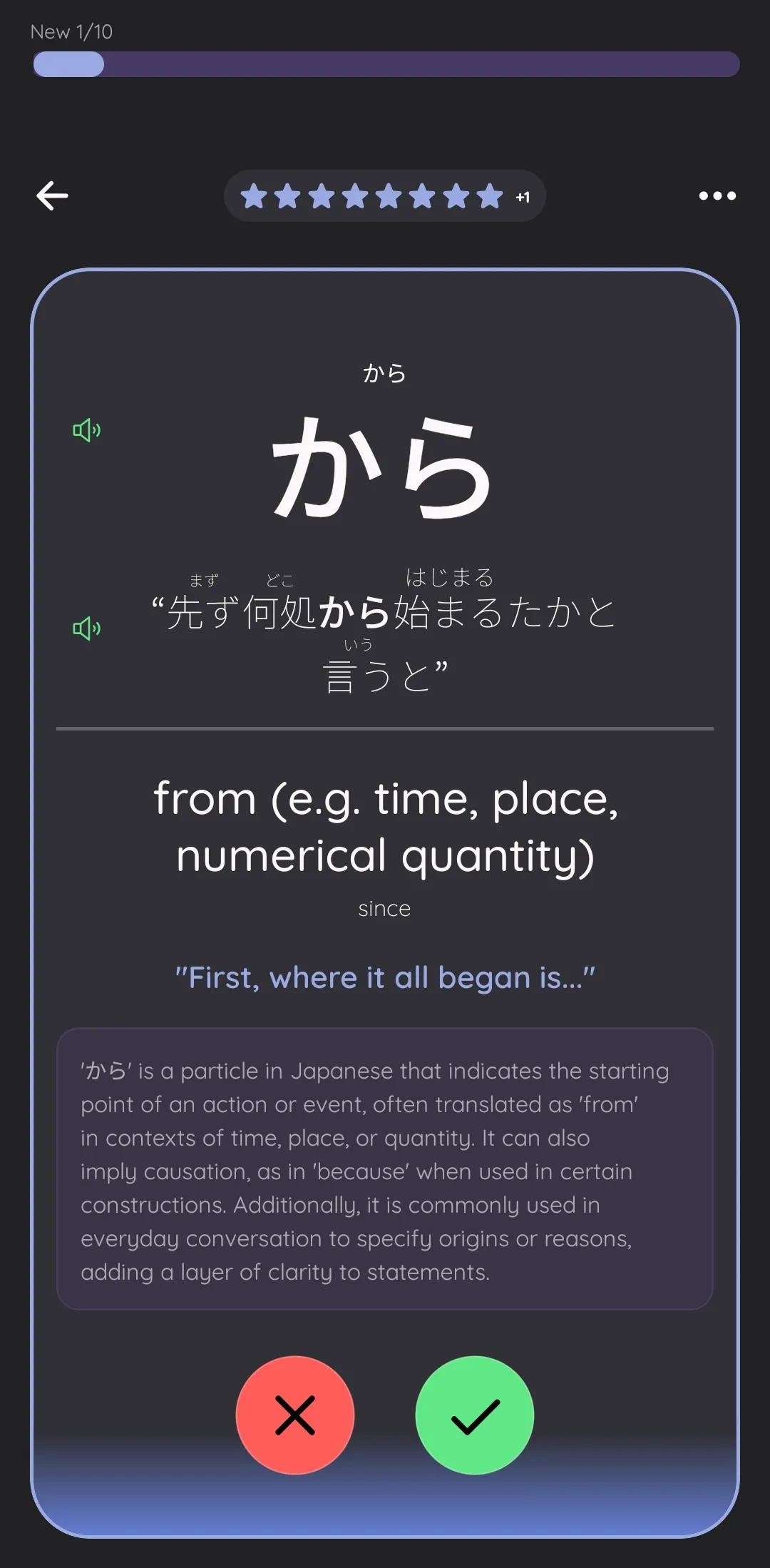
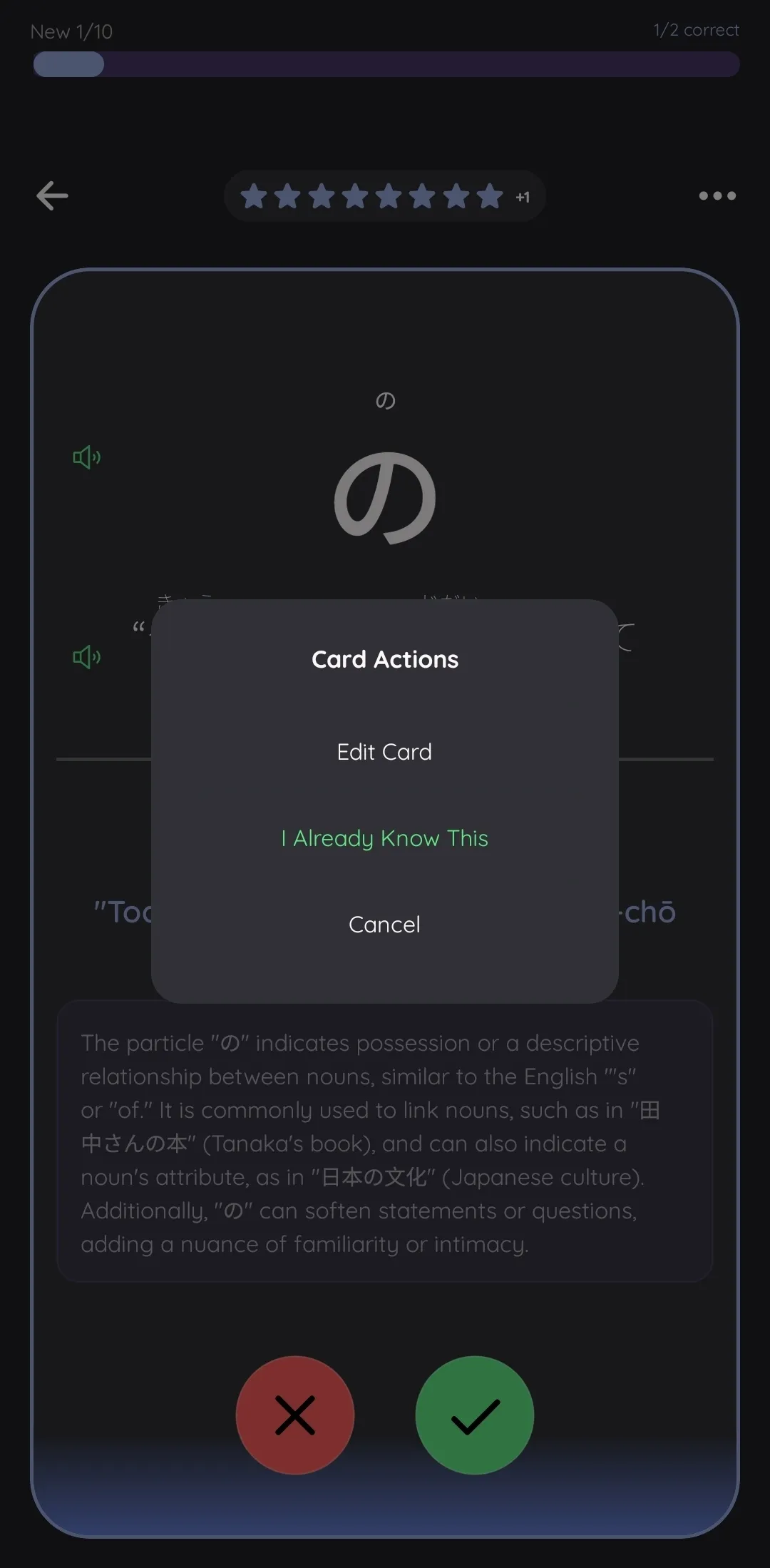
The magic: how decks are created
So far, this is nothing special — you could just use Anki or a similar app. But the magic is in how you get the decks and what content they contain.
Originally, I just wanted to be able to learn with anime. There are apps which let you see the subtitles while watching and then create learning cards from them. That was already pretty close to what I wanted. However, it came with a few issues — one technical, one a matter of preference.
The technical issue: word segmentation and sense disambiguation
Take a Japanese phrase like 「今日はとても暑いです。」(“It is very hot today.”) The first question is: how do you know which words are in there? Unlike English, Japanese has no spaces between words. This can be determined by a morphological analyzer (I use SudachiPy), which tokenizes the sentence into its component words.
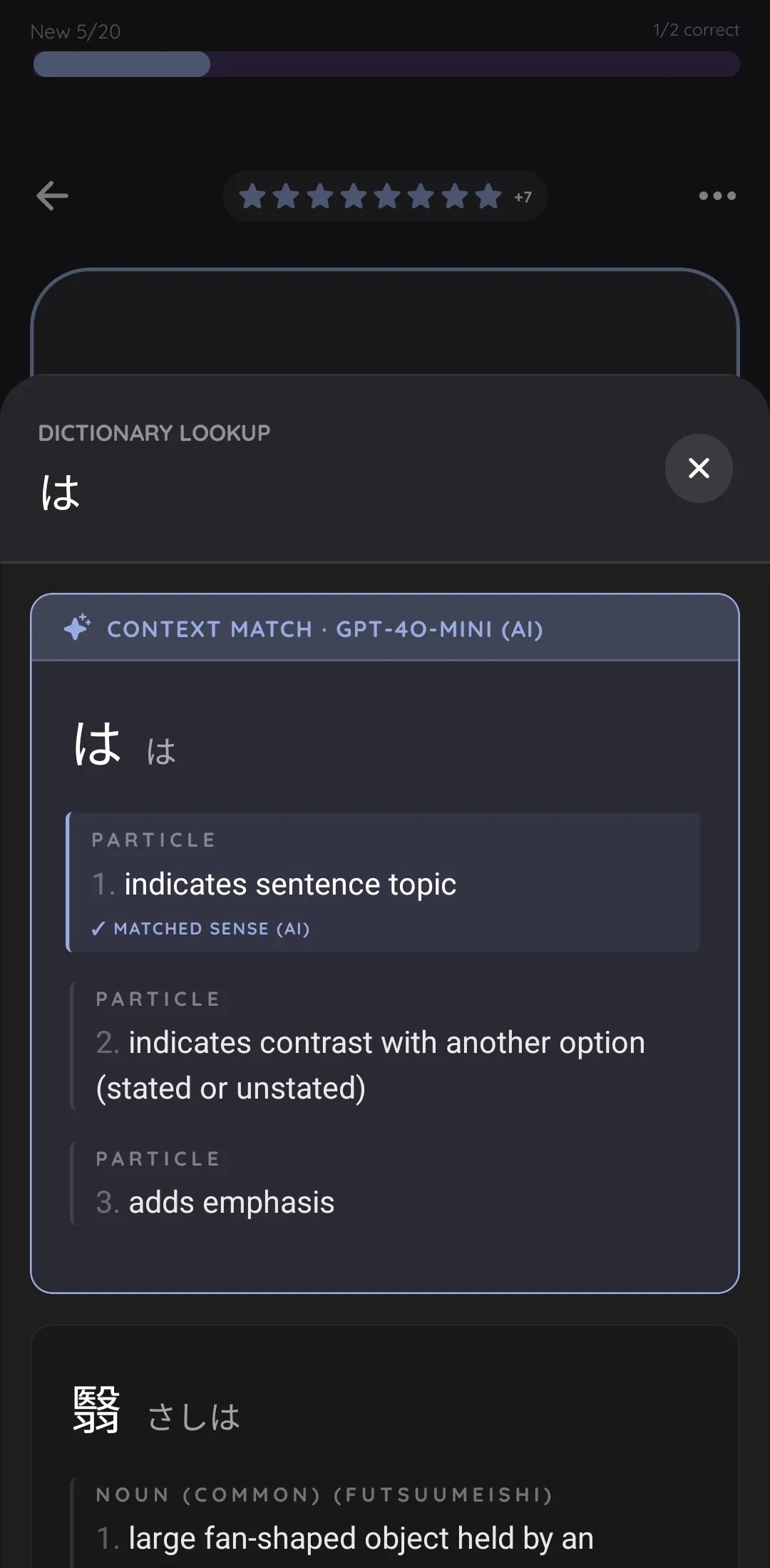
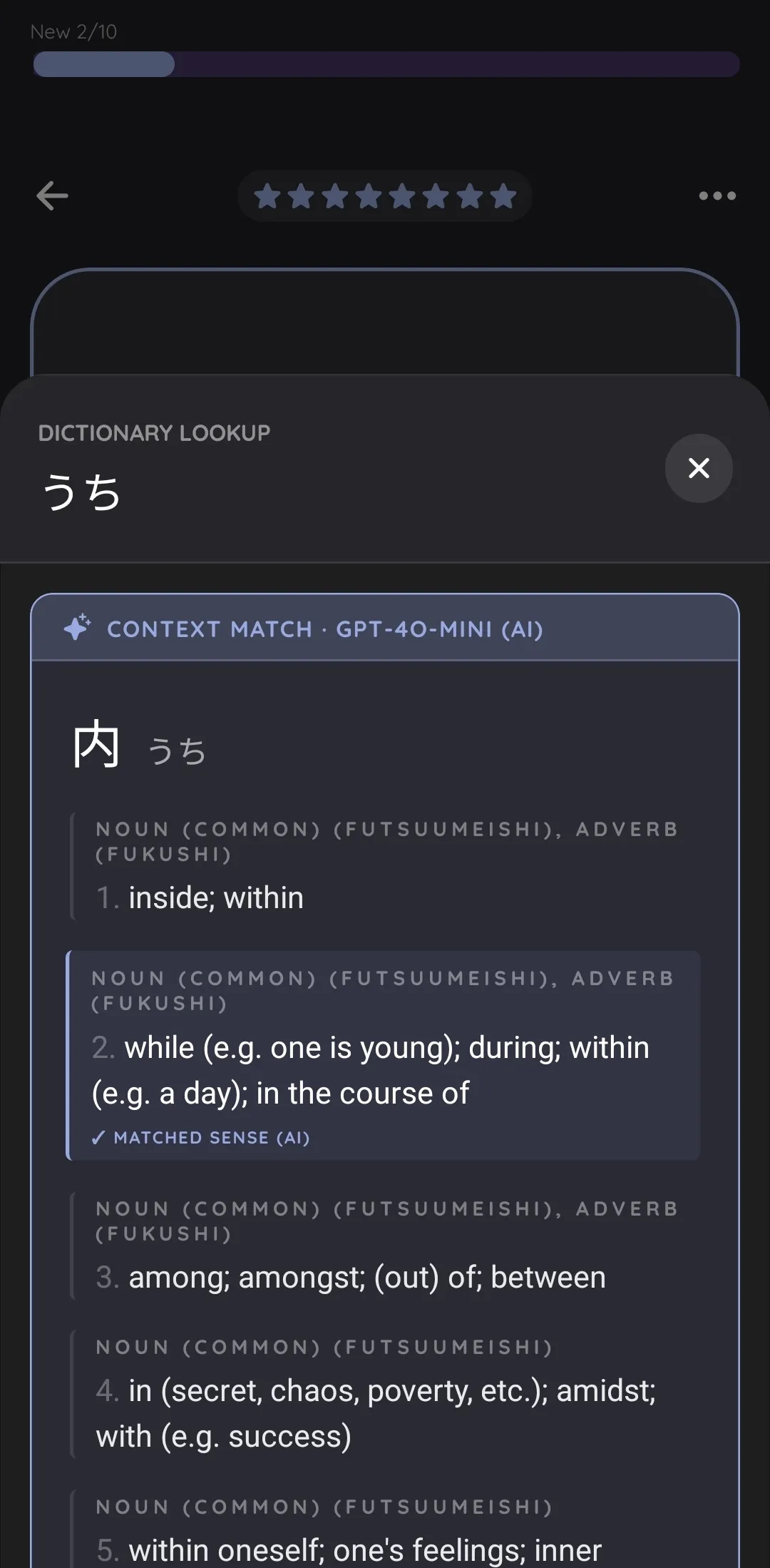
But then there is another issue: polysemy. Take 「はし」for example. If you look it up in a dictionary, you will find multiple meanings — 箸 (chopsticks), 橋 (bridge), 端 (edge). How do you know which is the right one? That depends on the context. To enable fully automatic flashcard creation, the system needs to resolve this without you having to look into a dictionary yourself.
This is where LLMs come into play. The system is simple: we ask the model, “Look at these dictionary entries. Which one fits the given context phrase best?” That is how the disambiguation problem of the Japanese language is solved — automatically, behind the scenes, for every word in every deck.
My preference: ready-to-watch learning
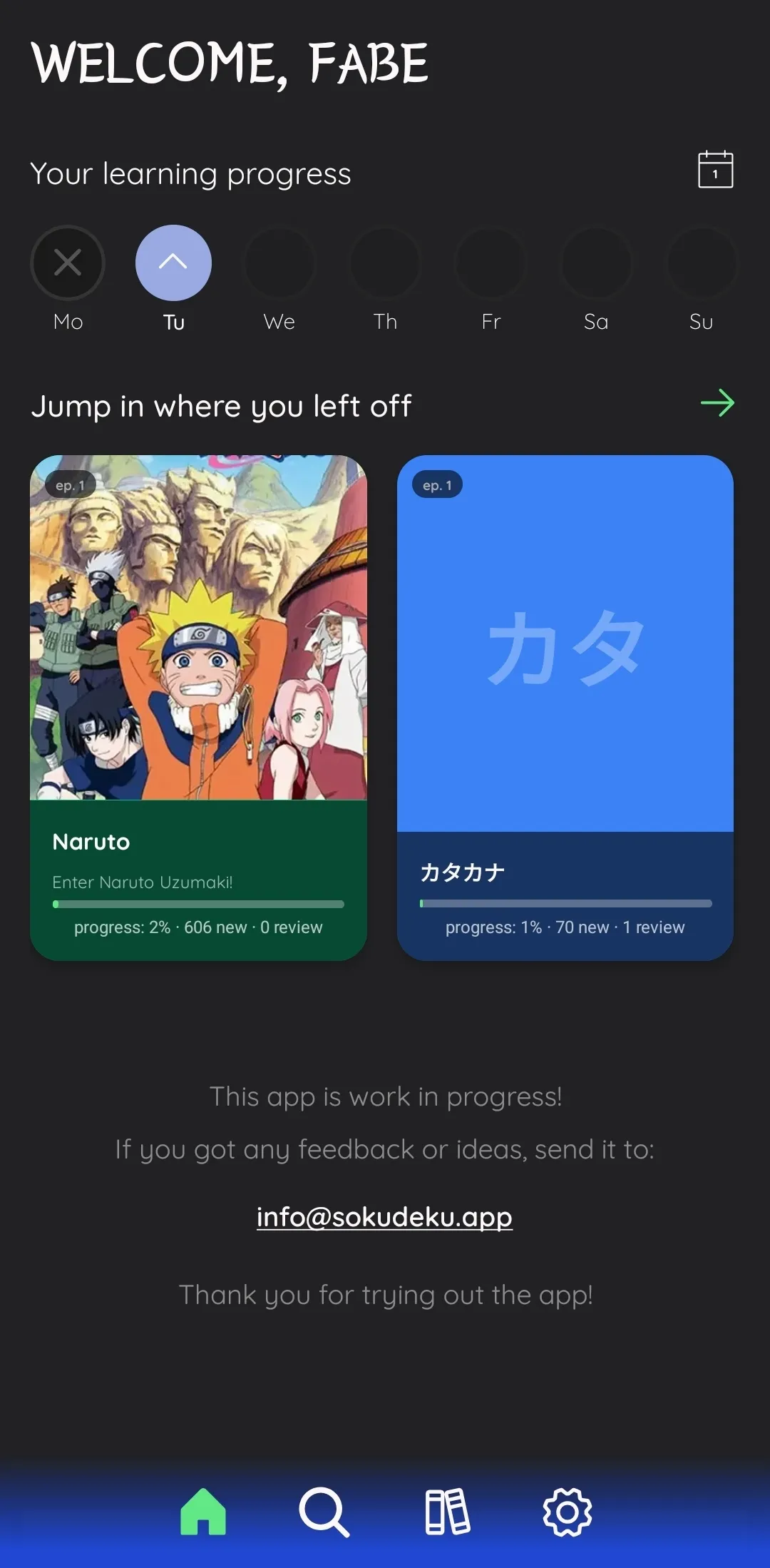
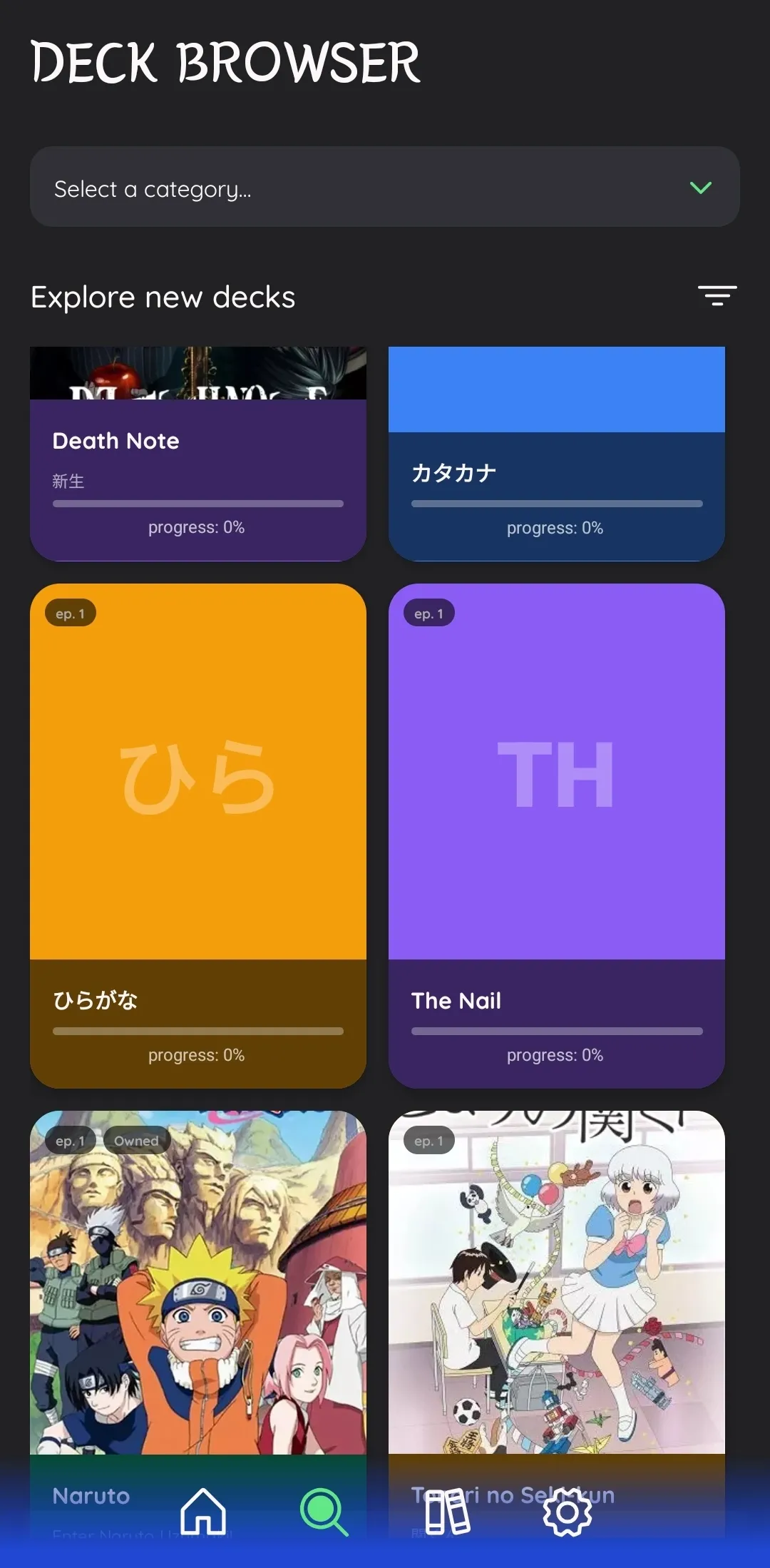
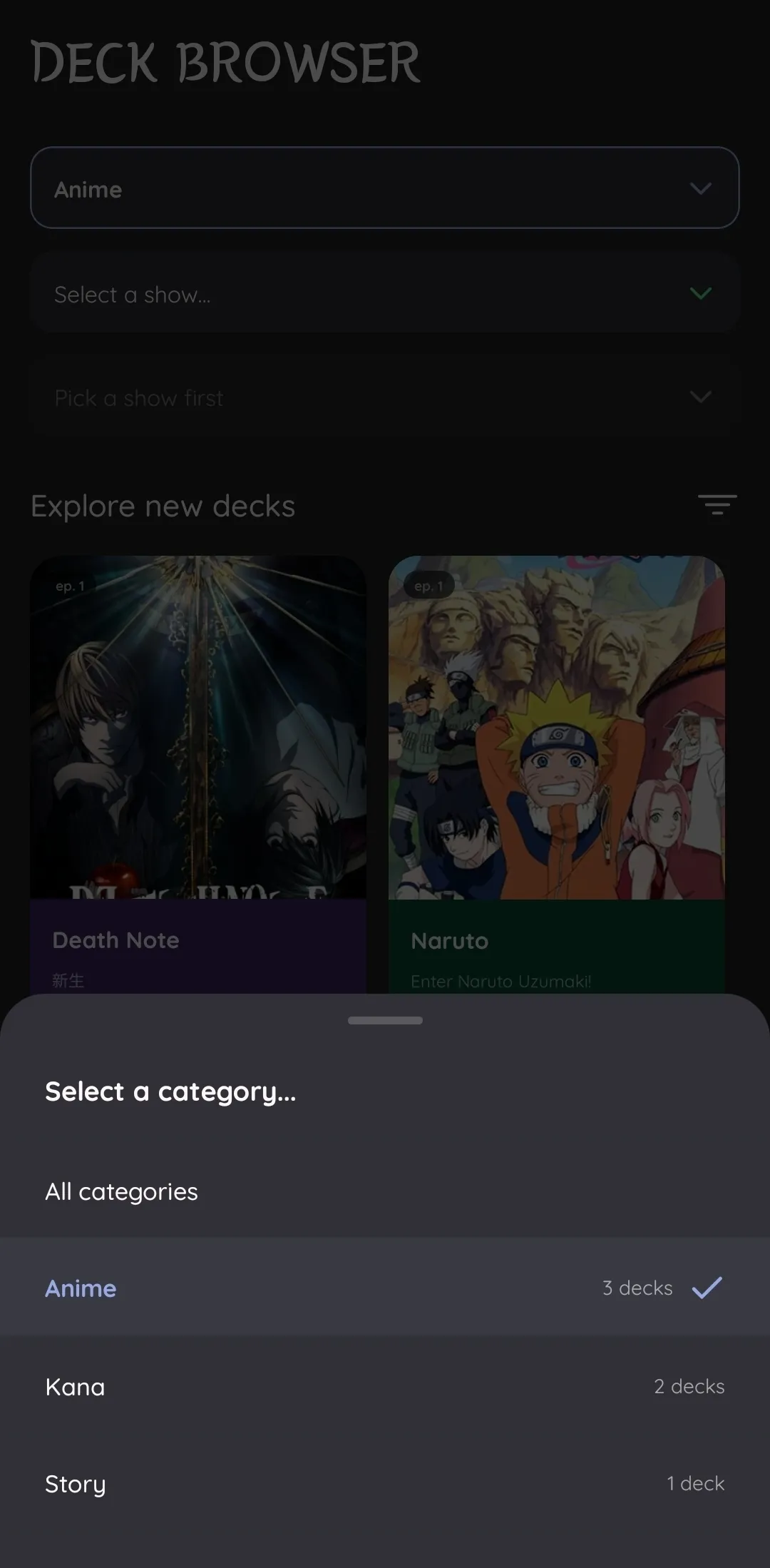
For some people, it might be nice to learn “on the fly” — actively watching, stopping the episode every few seconds, and creating flashcards. For me, this is just annoying. That is why I came up with the idea of a deck browser. There, you can choose your favorite show or anime and then download the deck for it.
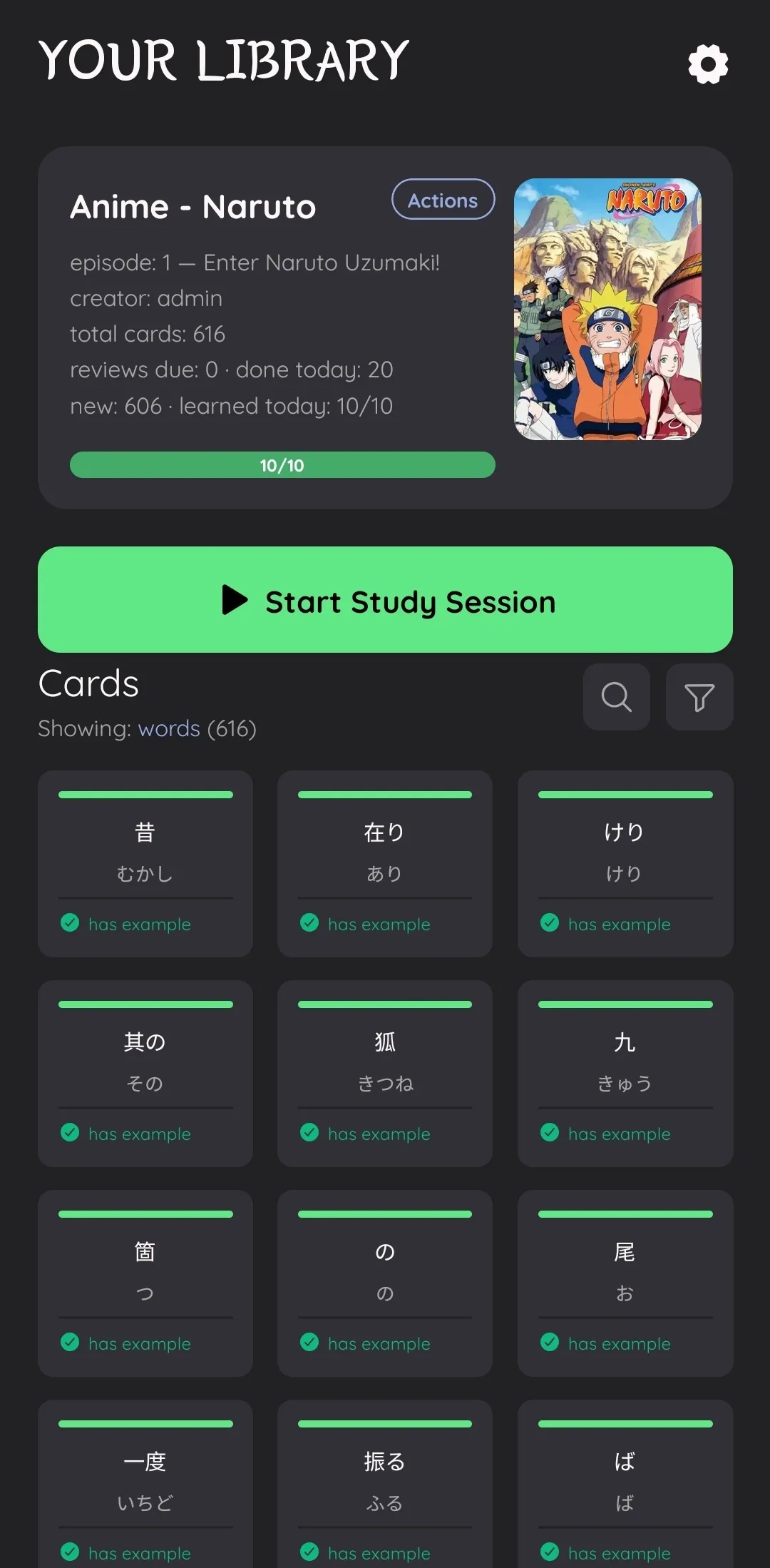
For example, you download Naruto Episode 1 in Japanese. In this case, you will learn with all the words spoken in the episode. They will appear in AI-generated example sentences, so you also won’t get spoiled. When you’ve learned all the words, you are “ready to watch.” Of course, you can’t turn off your brain completely, since the words you’ve learned appear in different phrases. However, this will make it so that you can watch your favorite show or anime in its original language (currently only Japanese supported) and actually learn by doing it.
A big feature: cross-deck knowledge sharing
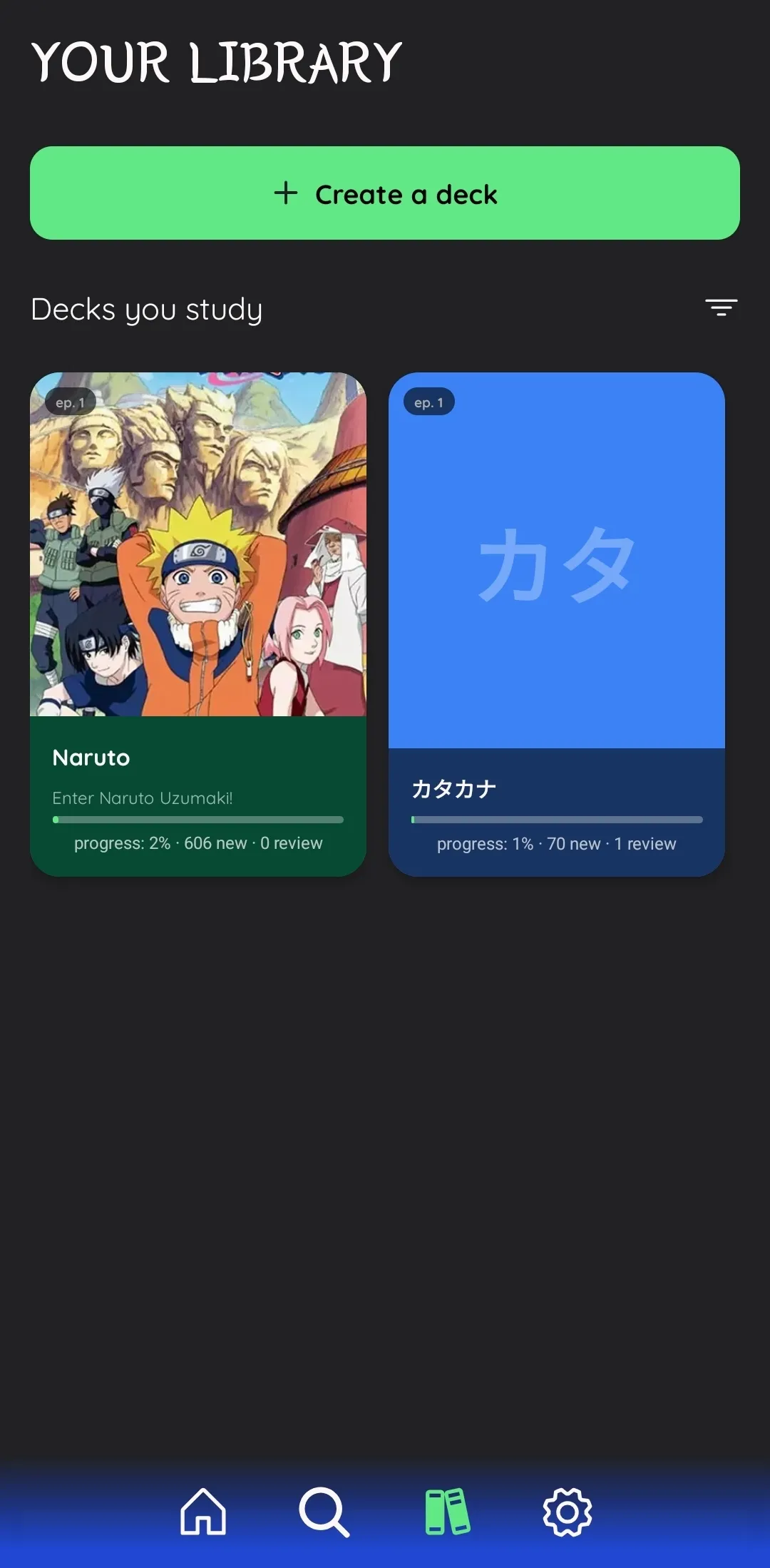
Of course, different decks will have some of the same words appear in them. But I think having to learn each word in each deck separately is pretty stupid. That is why there is a distinction between the word card (a study instance in a specific deck) and the word identity (the language fact — the word itself, shared across all decks).
When you learn word A in deck X, and word A also appears in decks Y and Z, the learning progress is shared across all of them. This is all recorded in your local knowledge base. So when you already know many words and you download a new deck, there might not even be that many words left for you to learn — the system will automatically only give you the words you don’t know yet.
Context content: a feature and a concern
My original idea was that when you turn a card, you get immersed into a scene — the background of the card would be the frame where the word was said. The context phrase would be the original line from the episode, and the audio for both the word and the phrase would be the original audio from the episode.
While I definitely want to keep this enabled for user-created decks, I can’t let this be the default for most of the decks you will find in the deck browser. The reason, of course, is copyright. If I distributed original frames and audio, I would essentially be distributing the episode to people — that would most likely be illegal. As for user-created decks, that is a bit different — the user provides their own source material, which takes the responsibility off my shoulders.
So I can’t really show an example on this website, but imagine a learning card which, when you turn it, shows you an image from the video, plays the word from the original audio, and then plays the context phrase. This feature is not fully implemented in this version but is coming soon — probably in the next.
What’s next: create decks from any source
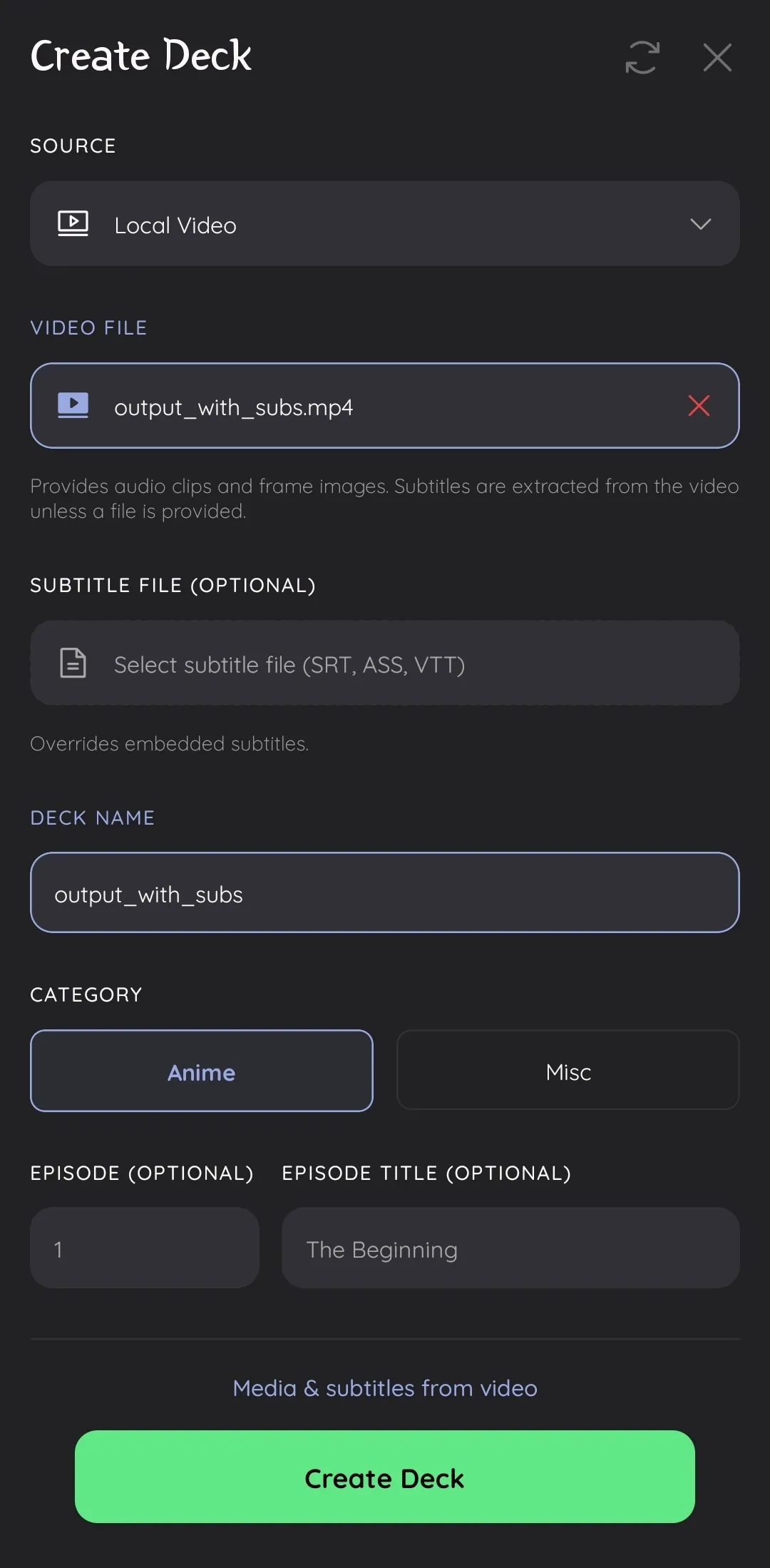
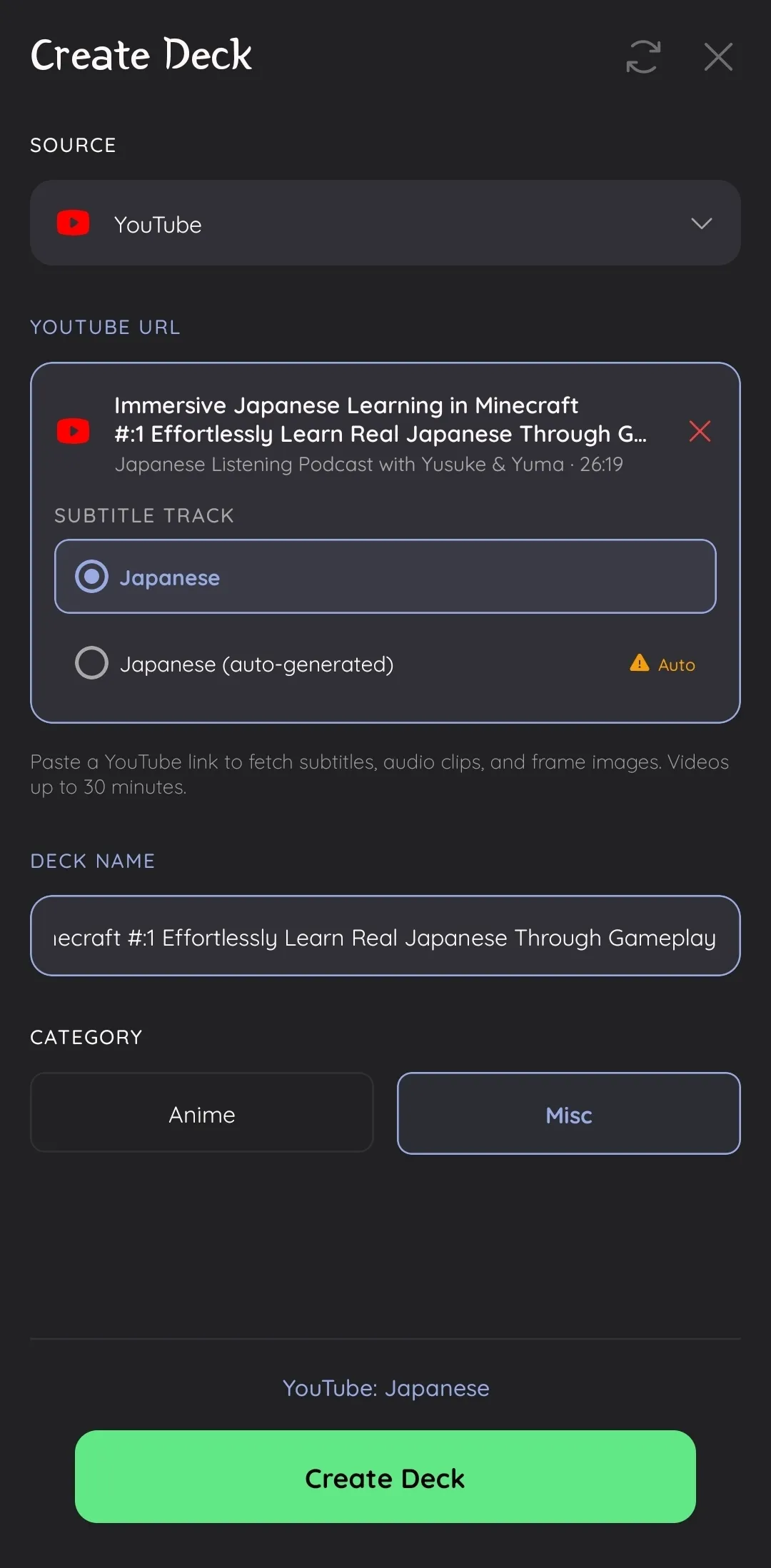
Next to the browser, where users can get predefined decks, I want users to be able to create a deck manually or automatically from any source. This is also a future update. What does “from any source” mean? Let me give you a few examples.
The first and most straightforward one is video. Let’s say you have a copy of Naruto Episode 1 with Japanese subtitles. You put it on your phone (I plan on having a web interface as well), go into the deck creator, and select it. It will do all the tedious stuff automatically — tokenize, disambiguate, translate — and you’ll get ready-to-learn decks where you get the word with its audio from the episode as well as the phrase. And you’ll also see a frame of the video when you turn the card. This makes learning really immersive.
Another source will be YouTube: you put in a link with Japanese subtitles, let’s say an episode of Minecraft in Japanese, and the system extracts everything for you.
On multilinguality
Eventually, my pipeline can be extended to learn from all languages. The app will be available in multiple languages, and the decks will cover multiple source languages as well. This isn’t the focus of this update, but I’ve already designed my database structures to handle that case in the future — the schema fully supports multiple source languages and multiple translation languages.
How to get access
- Download the APK from the download page
- Enter your email to receive the API key
- Open the app, go to Settings, and paste the API key
This is a demo release — expect bugs, rough edges, and missing features. But the foundation is solid, and I’m excited to build on top of it. Feedback is very welcome.
— Fabe